
Hoop dreams come true.
Canada's way to pay.
More payment choices. All Canadian. Pay with your credit card or directly from your chequing or savings account.*
if you can wait, you could win.
Enter the Waitlist Contest for your chance to win 1 of 5 once-in-a-lifetime experiences.

sports
The Lowry Fan Experience
Hoop dreams come true.
Join Kyle Lowry on the court for a friendly game and photoshoot with you and two friends. You'll walk away with a signed jersey, tickets to a game, and an amazing story to tell.
See full Contest Rules & Regulations for detailed description of each Contest Waitlist Category.

Dining
The Foodie Jet Dream
A private jet food tour.
Treat five of your friends to dinner at Michelin starred restaurant aKin, followed by a luxury hotel stay in Toronto. The next morning, board a private jet to Montreal for an elevated picnic brunch featuring some of the city’s best bites before flying back to Toronto.
See full Contest Rules & Regulations for detailed description of each Contest Waitlist Category.

Travel
The Rainforest Getaway
Elevated wellness in the wild.
You and a guest will travel round-trip from Toronto to Nimmo Bay for a three-day personalized wellness retreat. Escape into movement, rejuvenation, and mindfulness against the backdrop of British Columbia’s Great Bear Rainforest.
See full Contest Rules & Regulations for detailed description of each Contest Waitlist Category.

adventure
The Subarctic Adventure Waitlist
Wild encounters on the tundra.
You and a friend will fly round-trip from Toronto to Churchill via Winnipeg to set out on three full days of Tundra Buggy® adventures in search of real polar bears in the wild. Conditions permitting, you may even spot northern lights during your nights at Tundra Buggy Lodge. This six-night arctic escape includes two nights in Winnipeg, one in a Churchill hotel, and three at the lodge.
See full Contest Rules & Regulations for detailed description of each Contest Waitlist Category.
music
The Summer Playlist IRL
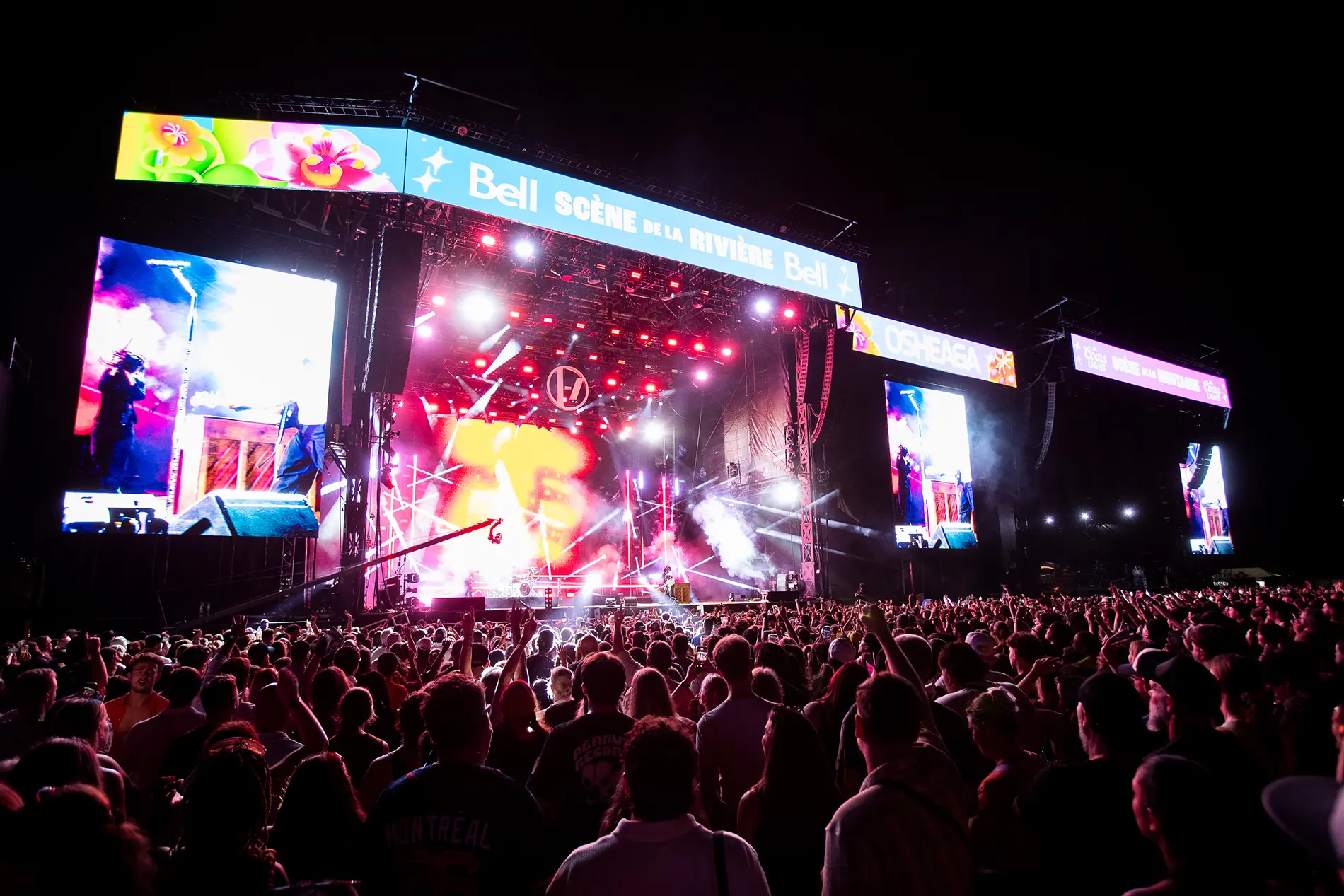
OSHEAGA from every angle.
Get the VIP Treatment at OSHEAGA Music & Arts Festival from July 30 to August 1, 2027. You and three friends get Platinum Tickets and black car service for the whole weekend. And you’ll enjoy a unique view at a side-stage opportunity with one of the festival’s performers.
See full Contest Rules & Regulations for detailed description of each Contest Waitlist Category.
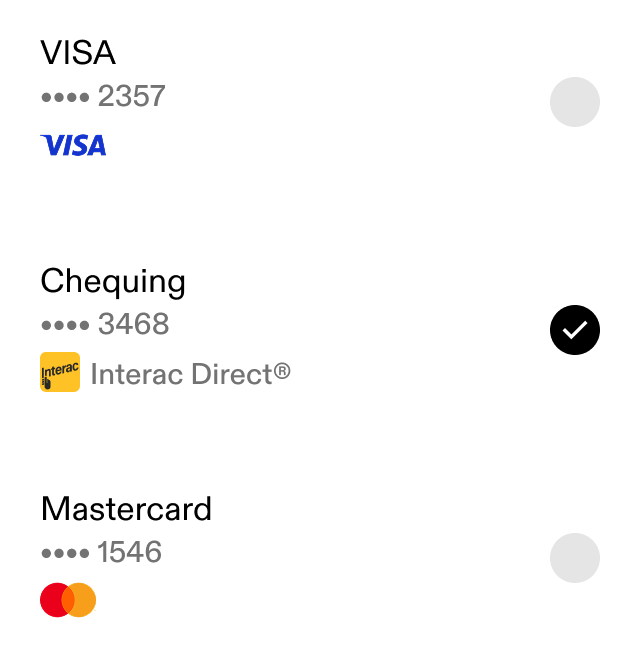
Pay with a chequing or savings account, or a credit or debit card.*
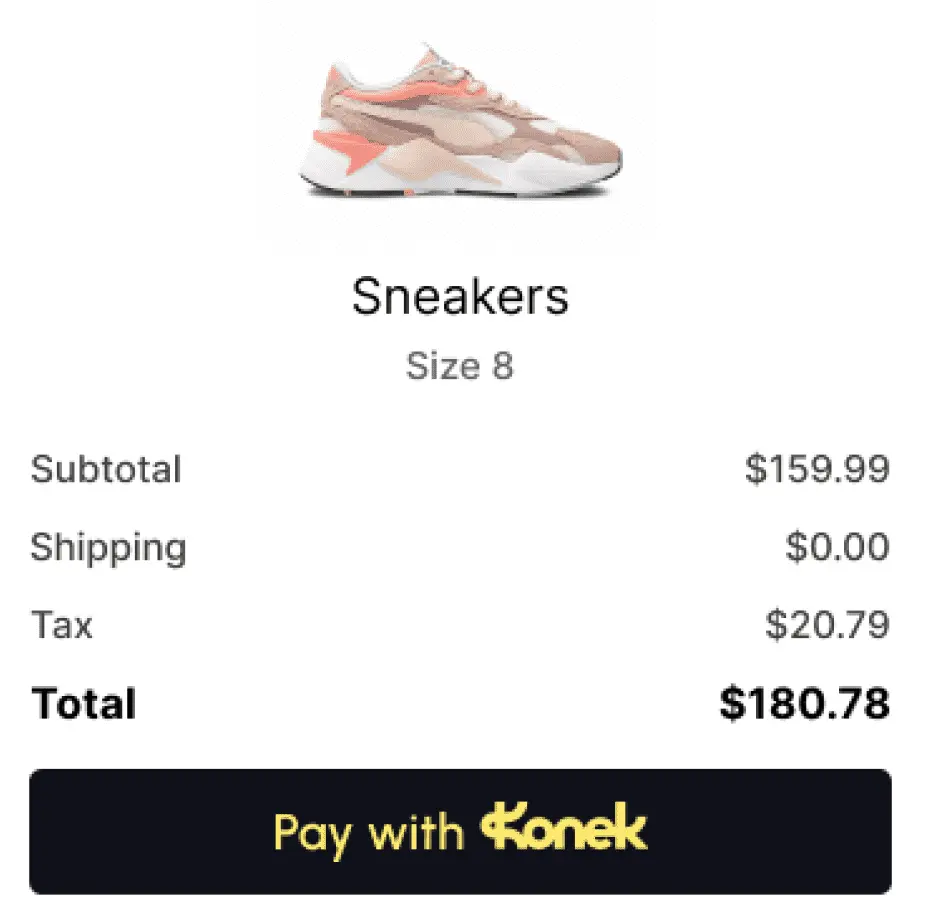
Designed for the way you shop.
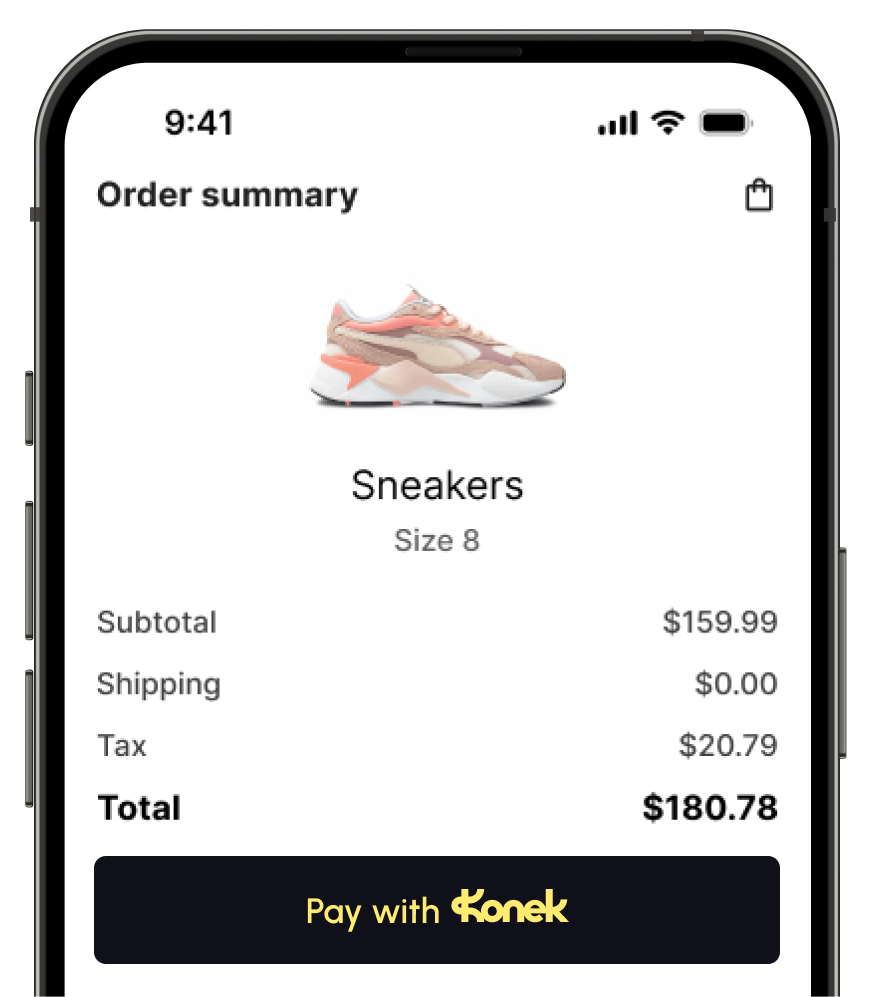
No more hunting for your credit card or typing out details on a small screen. Konek makes online checkout frictionless so you can buy in seconds.
Convert more shoppers at checkout.
Help reduce cart abandonment by offering frictionless checkout backed by Interac — while keeping your transaction costs low.
Checkout in seconds.
See Konek in action.
Konek is powered by Interac and backed by Canada’s leading banks.





Konek is a Canadian e-commerce payment solution developed by Interac Corp. and powered by Canada’s leading financial institutions.
No. Your banking information, such as account and card numbers, are tokenized and therefore cannot be directly accessed by the merchant. On receiving your explicit consent, Interac Corp. will share your full name, phone number, and shipping address with the merchant in order to complete a transaction.
Option 1: Through Merchant Checkout
- Choose Konek at Checkout: When you’re ready to pay, select “Pay with Konek” on the checkout page.
- Select Your Financial Institution from the list.
- Log In Securely: Log in using your online banking credentials on the secure sign-in page.
- Create Your Konek Profile: After authentication, you’ll be prompted to set up your Konek profile.
- Set Up Passkey (Optional): For faster future checkouts, enable passkey login (or choose “Set up later”).
- Check Your Details: Your name, email, and other details will be pre-filled from your financial institution. Make edits if needed.
- Choose Your Default Payment Method: Select the eligible account you want to use for payments (e.g., chequing, savings).
- Confirm Your Shipping Address: Use your default address or add up to five addresses for convenience.
- Complete Your Purchase: Confirm your payment. You’ll see a success screen and your Konek account will be ready for future use.
Option 2: Through Konek.ca
- Go to Konek.ca: Click “Create Account” on the homepage.
- Accept Cookies & Technology Notice: Review and accept the notice to continue.
- Select Your Financial Institution from the list.
- Log In Securely: Log in using your online banking credentials on the secure page.
- Review Your Details: Your information will be pre-filled from your financial institution. Make edits if needed (changes apply only to Konek).
- Set Your Default Payment Method: Pick the eligible account you want to use for payments.
- Confirm Your Shipping Address: Use your default address or add up to five additional addresses.
- Enable Biometric Login (Optional): If your device supports it, enable biometrics for faster one-touch payments.
- Finish Setup: You’ll see a confirmation that your Konek account is ready to use.
Option 3: Through Your FI App
- Some financial institutions allow you to create your Konek profile directly in their app. In this case, your details are pre-populated, and you only need to review and confirm.
*Note:
The default payment method is the financial account from which payments will be debited.
The default payment method can be changed at any time.
If a merchant does not accept a payment method, then you cannot select that payment method and the following message is displayed underneath, “Not accepted by merchant”.
The following table sets out whom to contact for select issues related to a transaction:
| Point of Contact | Description of Issue |
| Merchant (refer to the online store’s contact information) | For questions about your online purchase, delivery time, shipping options, product information, etc. |
| Your financial institution (see your financial institution’s contact information) |
|
don't wait.
join the waitlist
*Available payment methods vary by merchant acceptance and participating financial institution.
* Shoppers must bank with a participating financial institution. Availability of payment method varies by bank or credit union.